
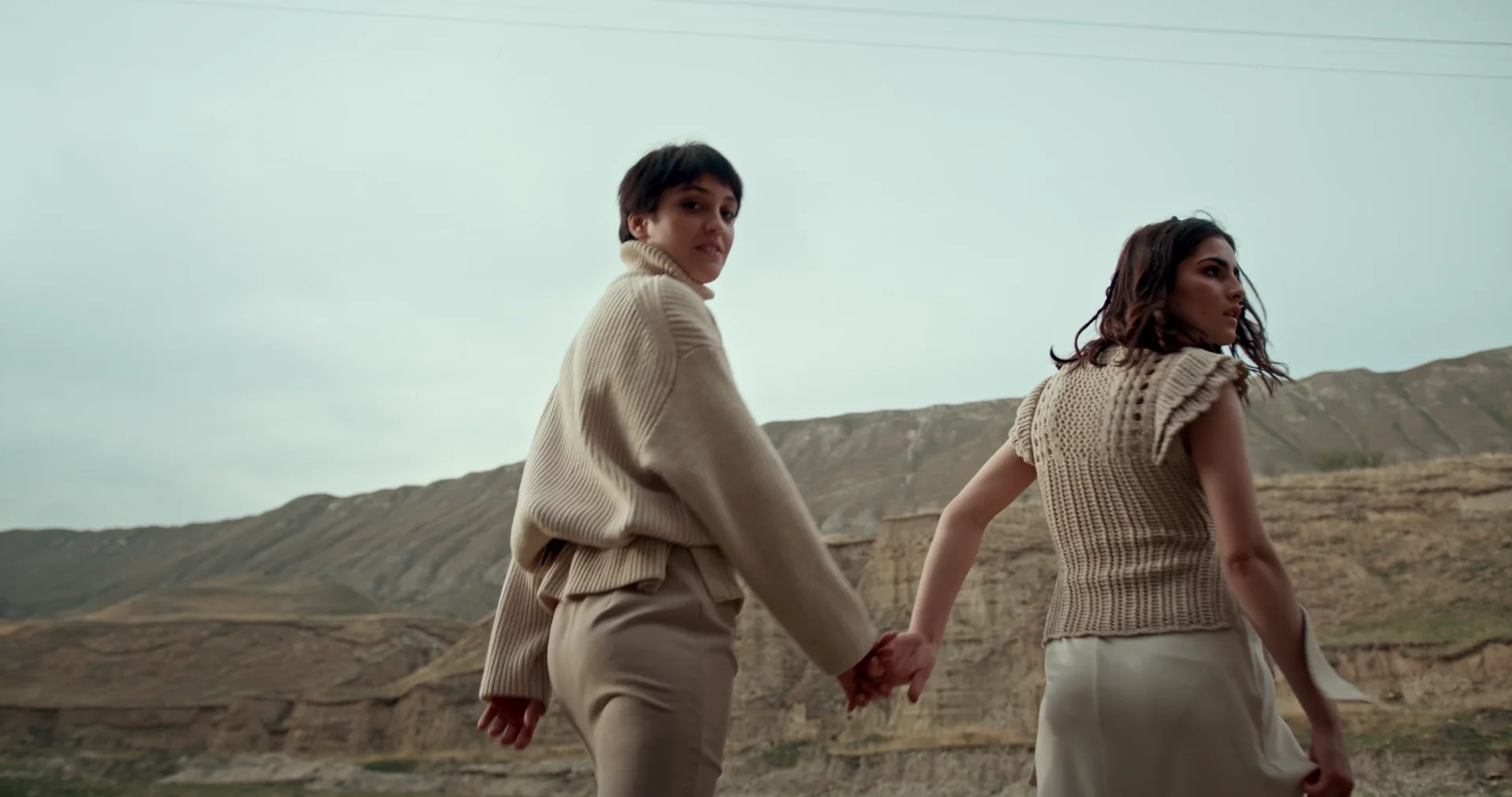
Direct the motion, not the machinery.
Turn a prompt, a still frame, or a set of references into video with the Seedance 2.5 family—inside one focused Studio workflow.
- Duration
- 4–30 seconds
- Output
- 480p or 720p
- Starting cost
- 133 credits / 5s
- Provider
- ByteDance via fal
Cloud generation. Source media and outputs are delivered through your authenticated Studio account.
Opening film: 4K creative reference footage by cottonbro studio on Pexels, used under the Pexels License. It establishes the creative target; it is not represented as Seedance output.
Three ways into the same moving world.
Start with the material you already have. Each route opens the matching Seedance workflow in Studio.
One sequence can begin with texture and end with a full scene.
Use the prompt to establish the visual direction, movement, and camera path. Choose a vertical or landscape frame for the place the finished film will live.
“Begin close on fabric texture, follow with one smooth tracking move, and finish on a composed full figure.”
Know the cut before you render.
Studio calculates credits from your selected resolution and duration before generation. Failed jobs return reserved credits automatically.
Take the first frame into motion.
Pick the Seedance workflow that matches your starting material. Studio keeps the model and lowest published credit cost visible before you submit.