
Recreate any [Motion] with your image
Copy motion from any video and place your character into the same movement with Kling 3.0 Pro Motion Control.
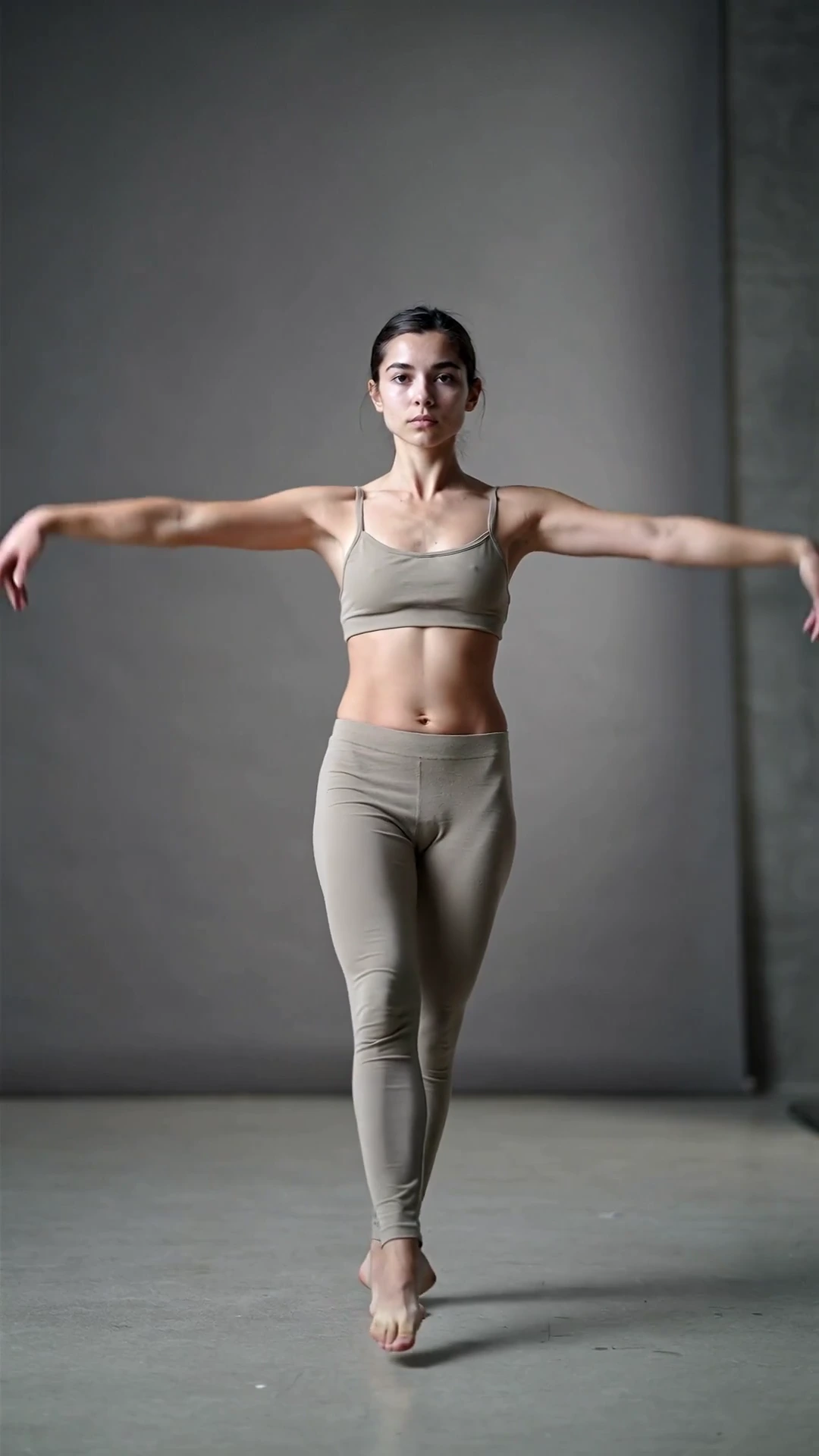
Start by copying motion from library.
Library cards preview example motion. Upload your own motion reference video in the rail to generate.
Explore more apps
Jump to related OfflineCreator video tools for specialized workflows.
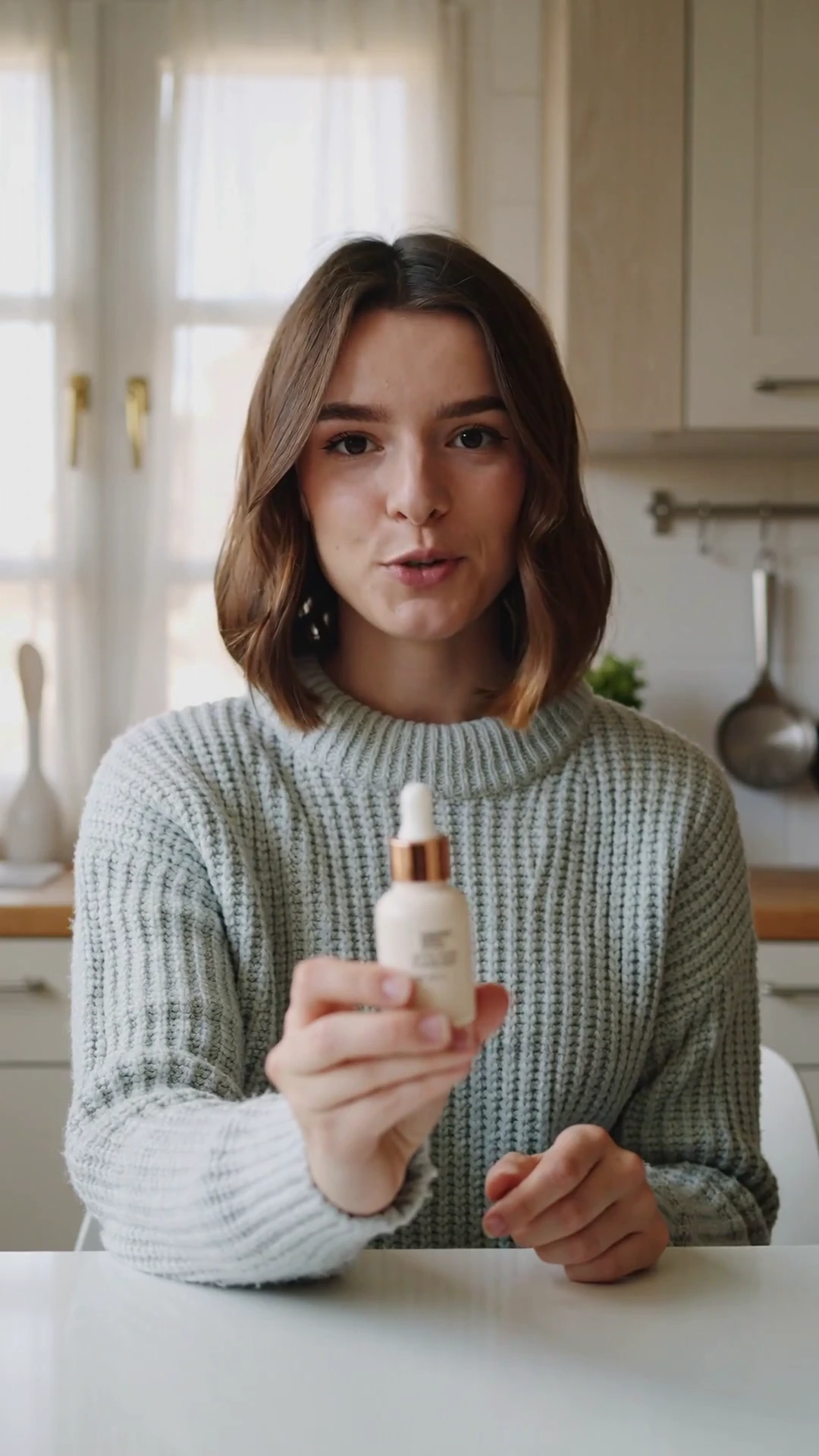
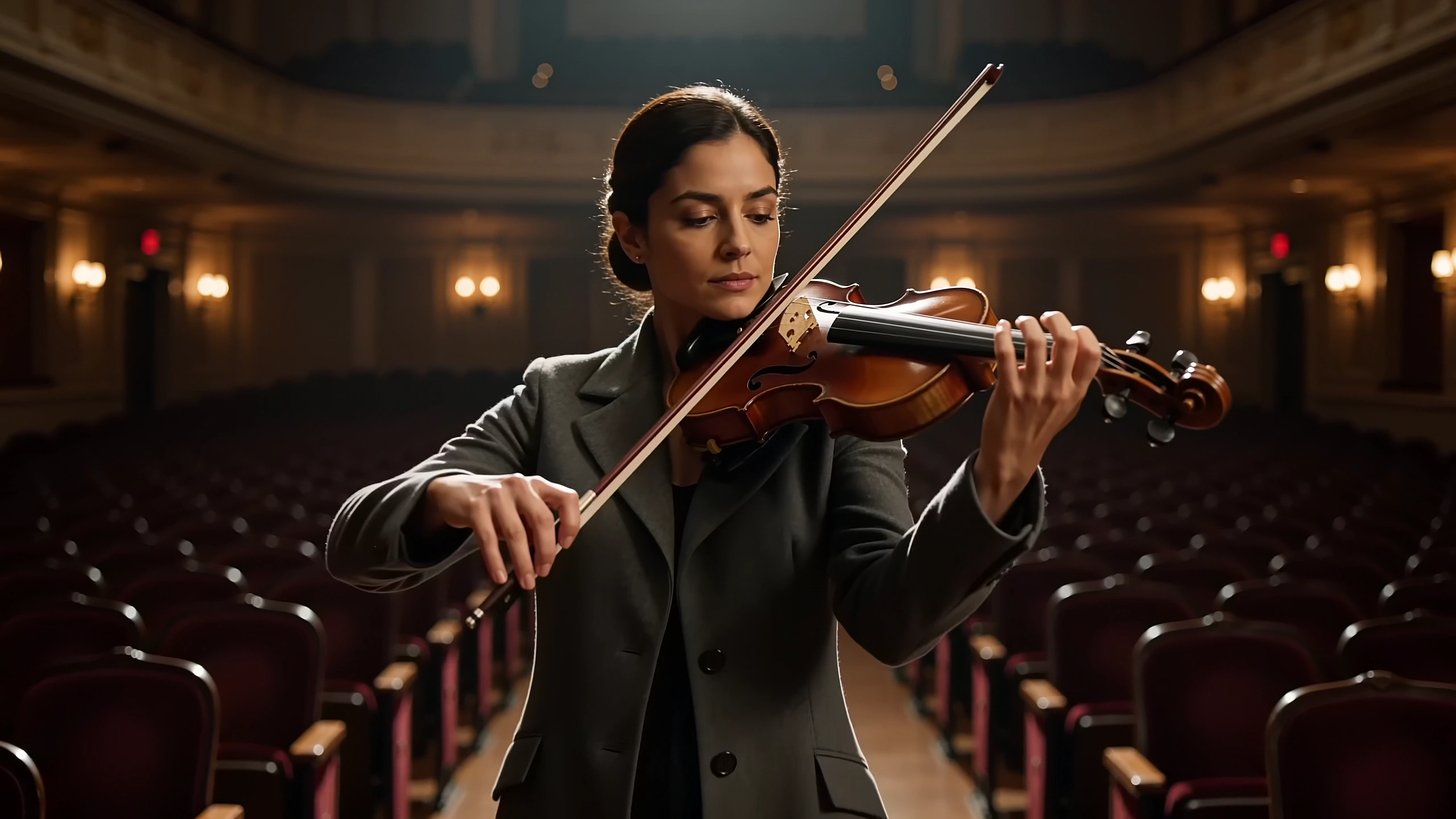
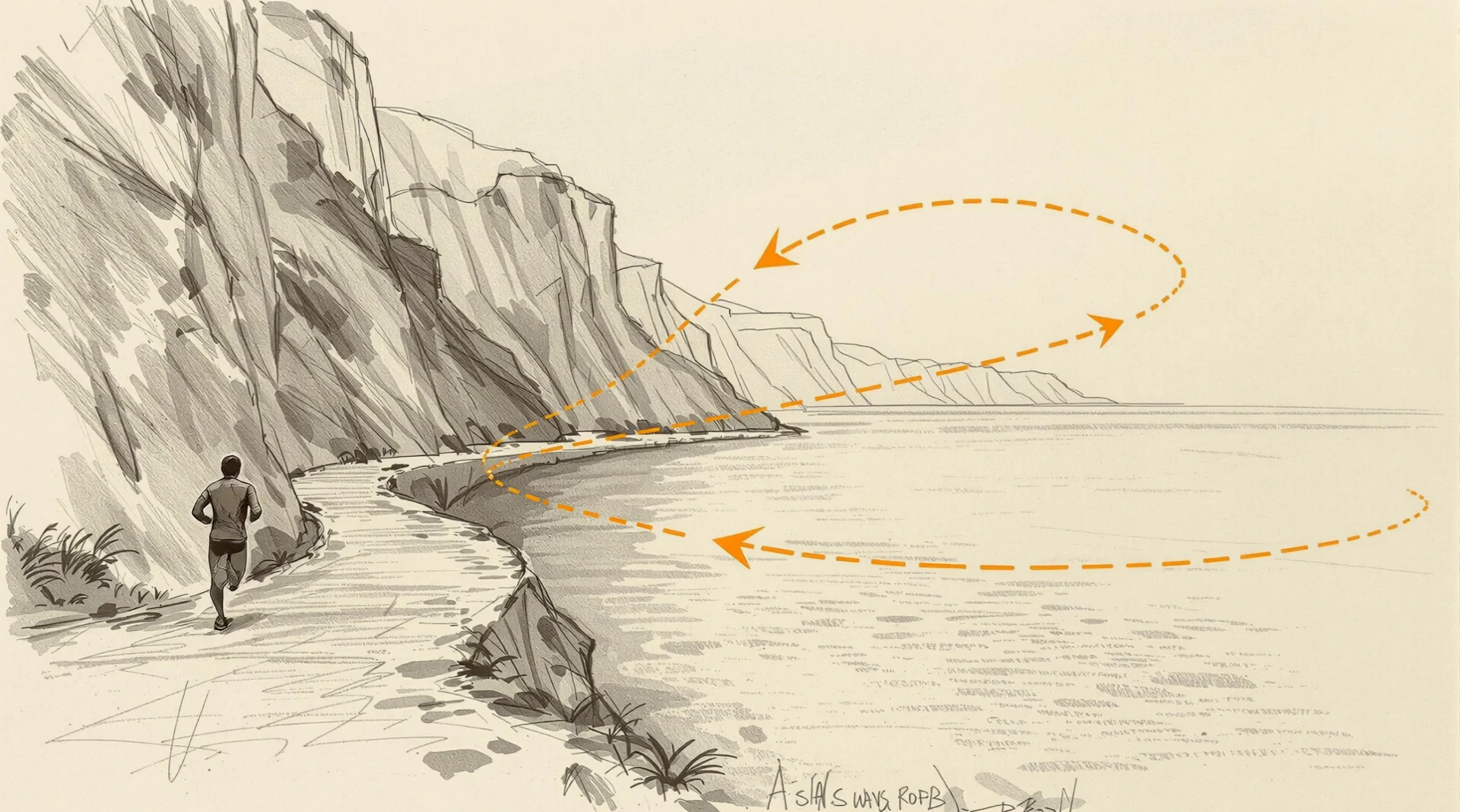
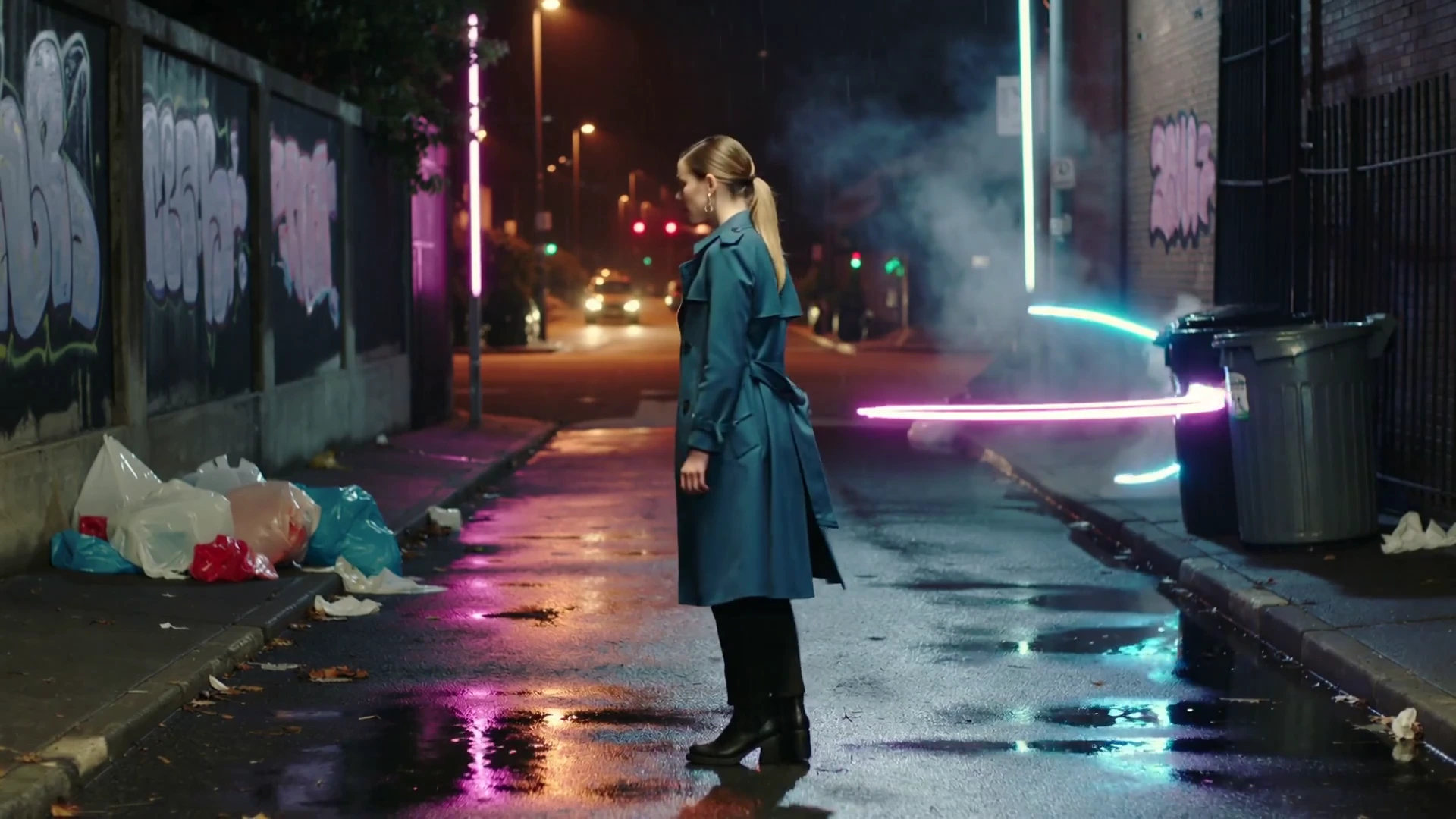
Video CreatorDirect a scene, motion, camera, and pacing from one compact workspace.Edit VideoPlan scene-level changes with a source clip, text direction, and timing.Lipsync StudioPair a portrait clip with speech and preview timing and delivery controls.UGC FactoryPlan an avatar-led product clip with script, framing, and delivery notes.Cinema Director 4KPlan shots, camera language, and visual continuity for a cinematic sequence.Draw to VideoUse a sketch and motion notes to block a moving scene.Seedance 2.5A model preview for text, image, video, and audio-guided generation.Video UpscalePrepare a source clip for a larger delivery size with stable detail.
Continue through the video collectionFLUX.3 Video